How to Accept Online Payments in Syria
If you run an online store in Syria you know the problem: cash on delivery, cancelled orders and money collected by hand. A payment gateway lets your customer pay at checkout from their wallet, and the money reaches your business account instantly.
How a payment works
- The customer clicks "Pay" in your store.
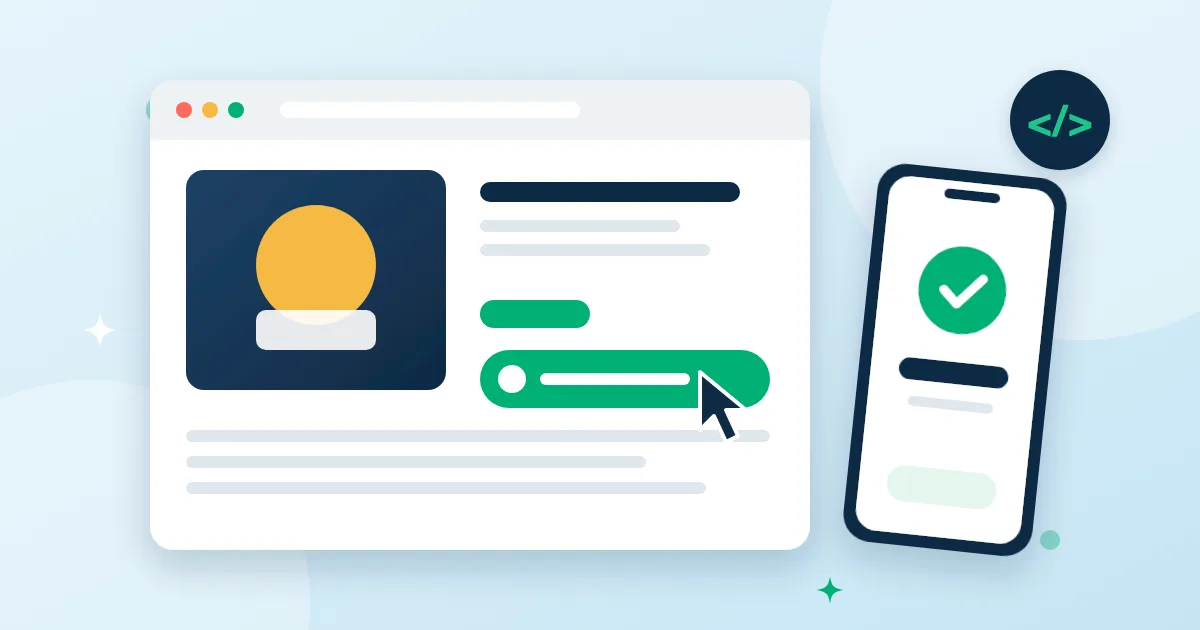
- Your server creates a checkout session through the API with your secret key, and redirects the customer to the hosted checkout page.
- The customer sees your store's name and the amount and pays from their wallet — or scans a QR code with their phone if they are on a computer.
- The customer returns to your store, and your server receives a signed webhook confirming the payment.
What keeps it safe
- Secret keys are stored only as a hash and shown to you once.
- Idempotency: the same request is never executed twice, even if your server retries.
- Signed webhooks prove the event came from us, and we retry automatically for 24 hours if your server is down.
- Don't rely on the return page alone — confirm the order from the webhook or by querying the session.
Refunds
Refund in full or in part from the API or your dashboard. The matching share of the fee comes back to you precisely, even across several partial refunds.
Fees
The merchant pays a fee on each successful payment; the customer pays the listed price only. You'll see the rate in your dashboard before you start.
No website? You still have options
- A fixed QR sticker for your physical shop.
- A cashier screen that shows a QR code for the amount and updates the moment it's paid.
Getting started
- Open a business account from your verified personal account.
- In your store dashboard → API, create a secret key and set your webhook URL.
- Send a test event from the dashboard to confirm your server receives and verifies webhooks.
Your dashboard shows daily sales, fees, refunds and customers, and exports to CSV for your accountant.