9 Practical Ways to Protect Your Money Account from Fraud
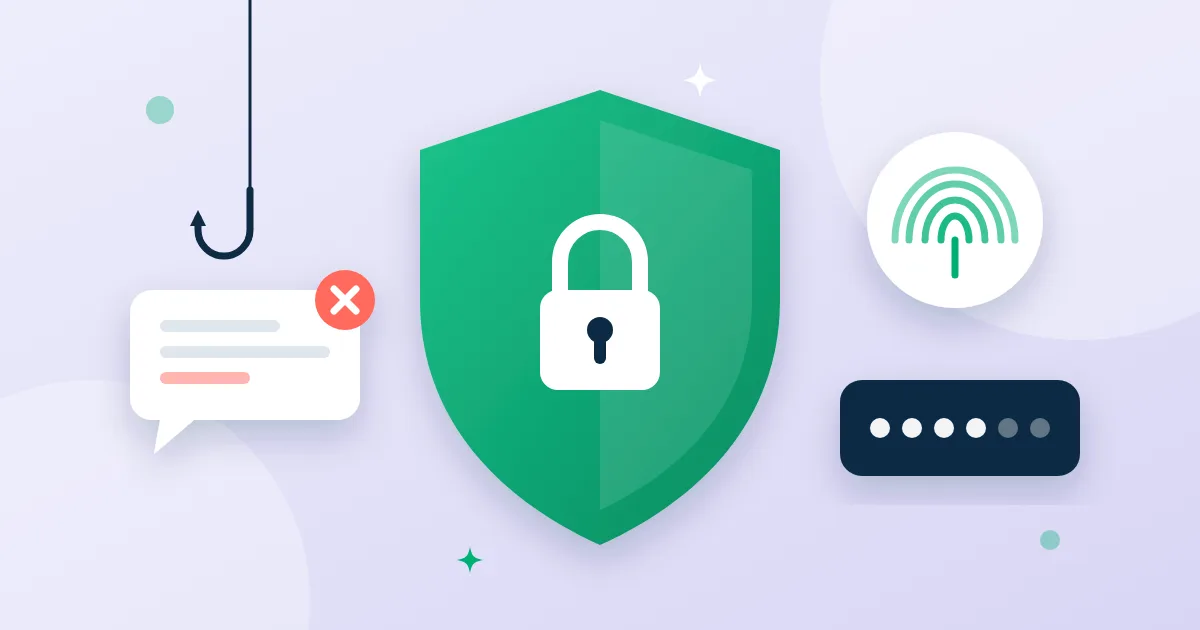
A scammer doesn't need to "hack" a system if they can talk you into handing over the key. Most account thefts start with a message or a call, not a technical flaw. These nine habits protect your money.
1. Never share your verification code
The code you receive by text is the key to your account. Nobody from our team will ever ask for it — not by phone, not by message. Anyone who asks is a scammer, however official they sound.
2. Turn on two-factor authentication
With two-factor authentication a password isn't enough to sign in; you also need a code from the authenticator app on your phone.
3. Try passkeys
A passkey lets you sign in with your fingerprint or face instead of a password. It can't be phished: it's tied to the real site and won't work on a look-alike.
4. Lock the app with Face ID
The app lock asks for biometrics when you open it, after you've been away, and before every payment. An unlocked phone in someone else's hand isn't enough to send money.
5. Check the recipient's name, not just the number
The account holder's name appears before every transfer. If it isn't who you expected, stop.
6. Beware of urgency
"Transfer now or else…", "your relative is in trouble", "you won a prize, just pay the fee first" — urgency is the scammer's favourite tool. Call the person on a number you already know before sending anything.
7. Don't trust links in messages
Always open the app, or type the address yourself. Fake pages look identical; the address is what gives them away.
8. Watch your notifications and statement
Every incoming and outgoing payment triggers a notification. If you see one you don't recognise, act straight away.
9. Know what to do if something looks wrong
- In Settings → Security, sign out of all devices and change your password.
- Contact support to freeze the account temporarily: a frozen account can receive but not send, so nothing leaves it until you're sure.
Security is a habit, not a one-time setting: your code goes to no one, biometrics stay on, and the name gets checked before every transfer.